You approve every session.
One shared record for students, mentors studying abroad and your counseling office.
By invitation only, for private high schools.


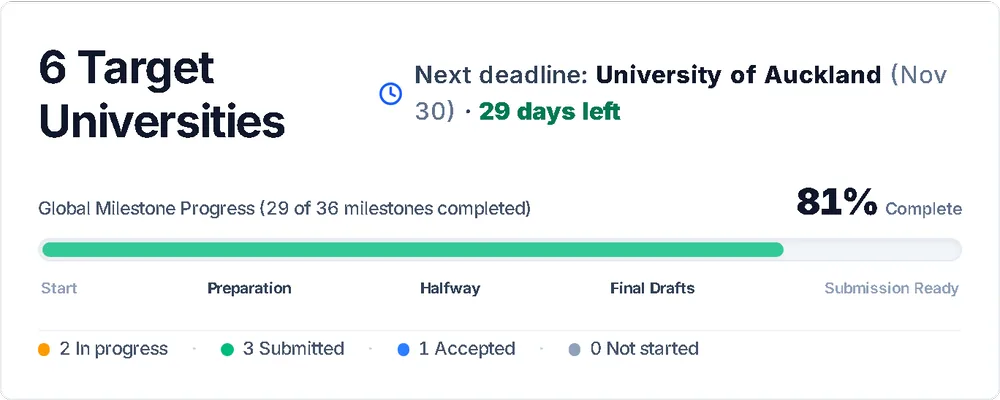
1,000universities in one hub, sorted Reach, Match and Safety.
One record. Three ways in.
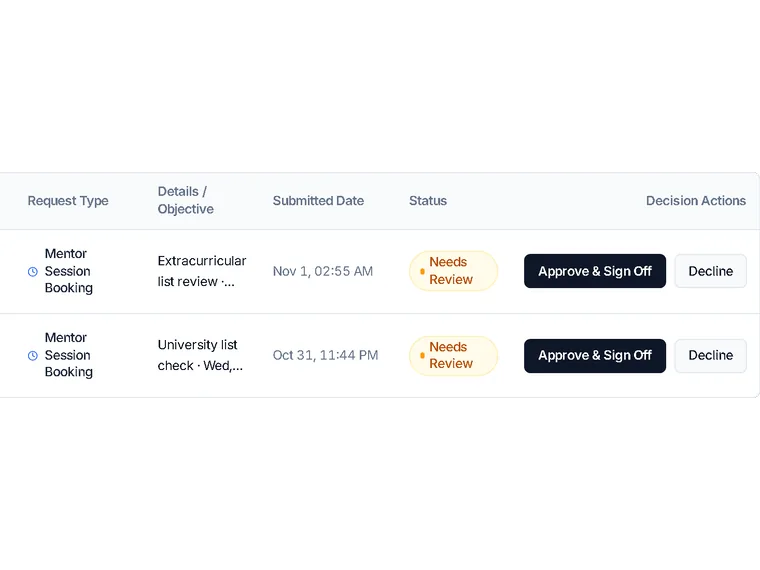
Approve before it is booked.
Booking requests land in your queue. Approved requests are scheduled against the mentor’s availability.
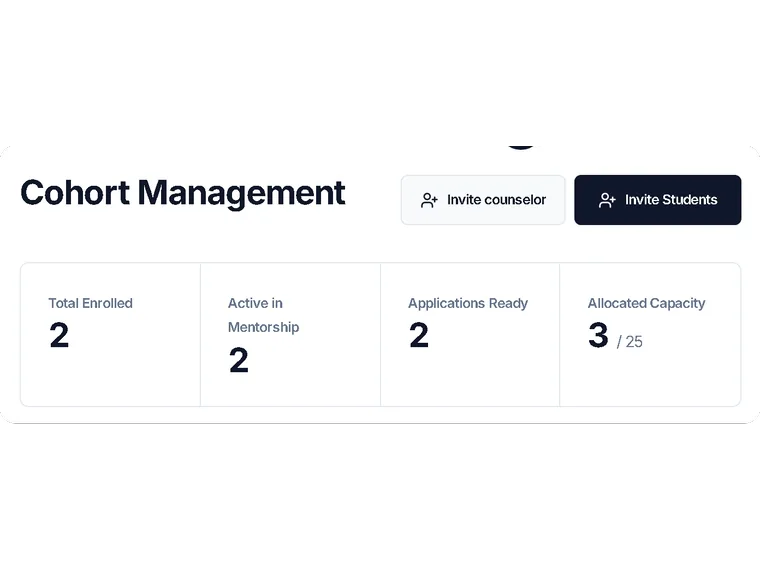
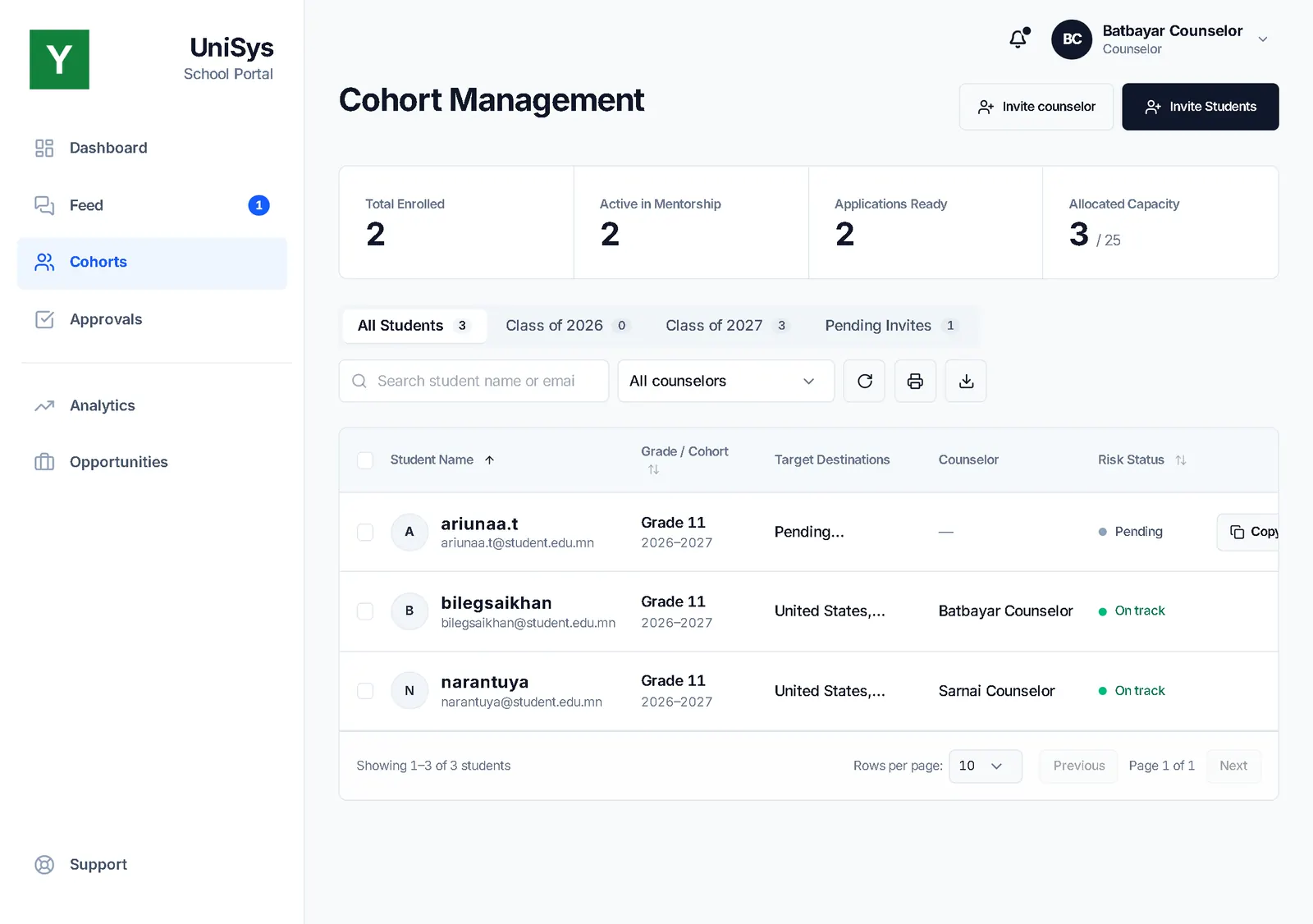
Bring a whole class in.
Import a class by CSV, send the invitations and see who has joined. Export when you need it.
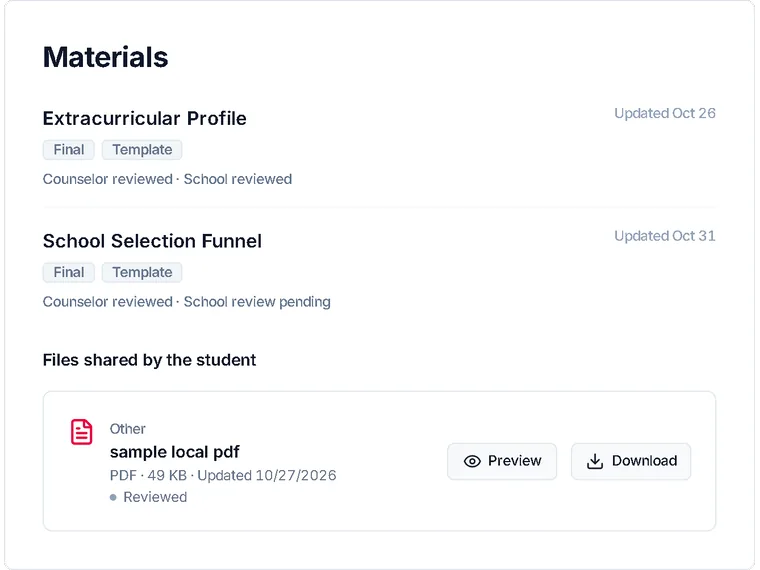
Prepared before booking.
Students finish their extracurricular list and school selection, and you approve them, before a session can be booked.
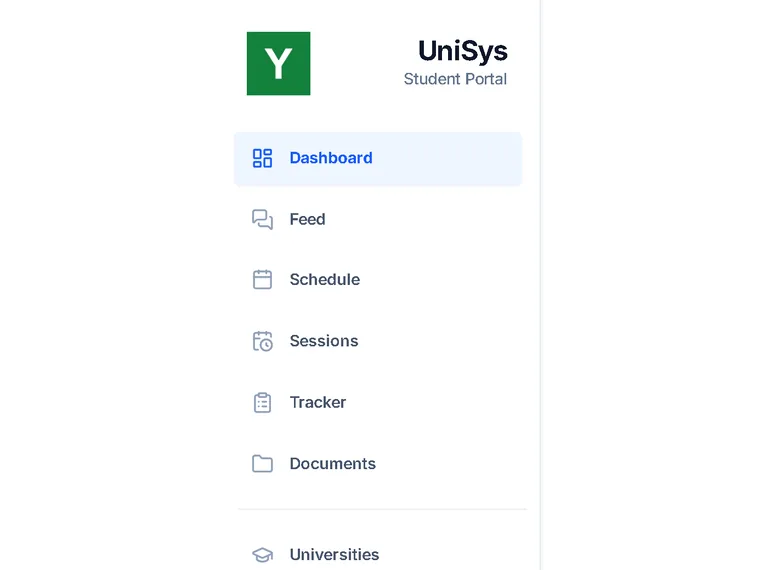
Your branding.
Students sign in under your school’s logo and colors.
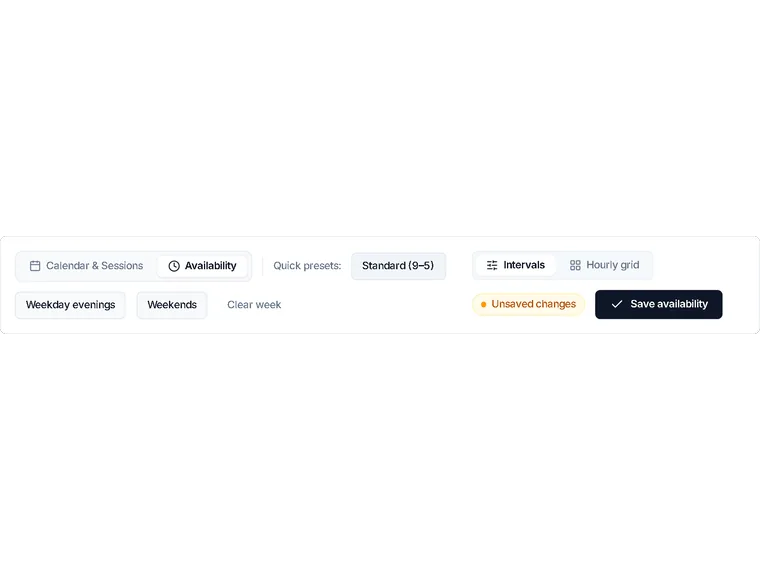
Weekly hours.
Mentors mark the hours they are free each week.
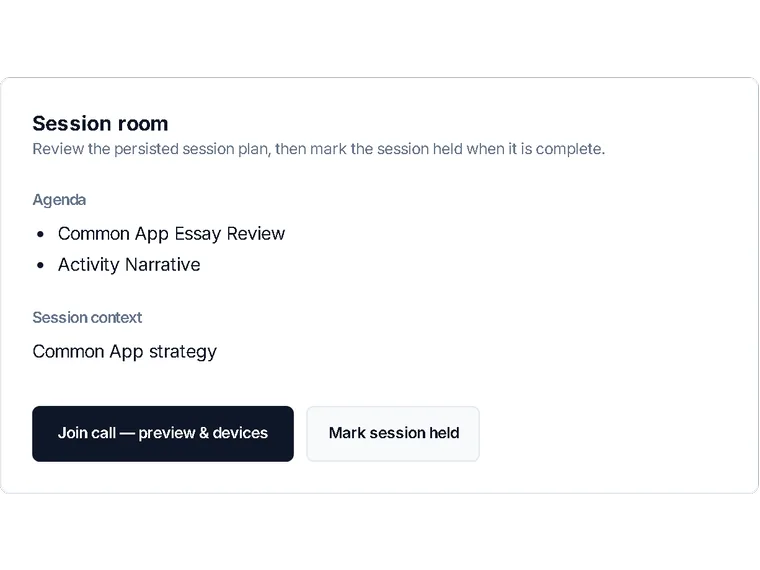
A call room built in.
Sessions run in a video call room inside UniSys.
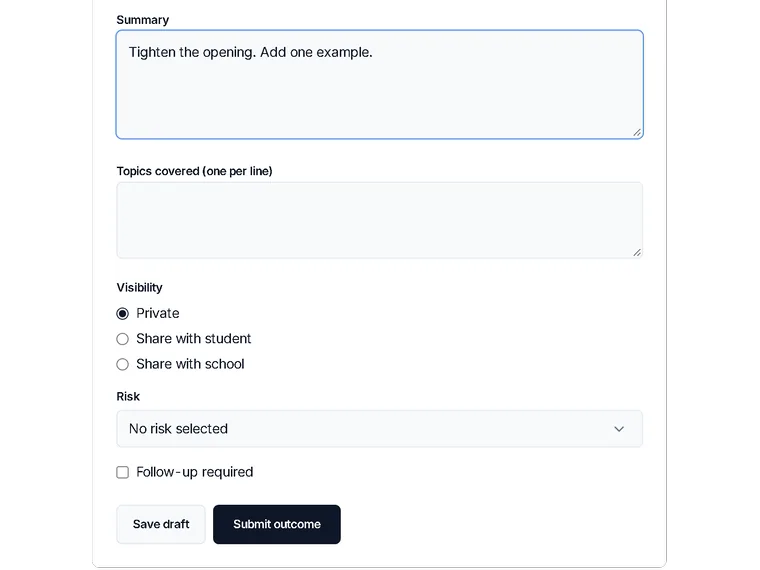
Notes within 24 hours.
Mentors log each session within a day, and feedback is required after each one.
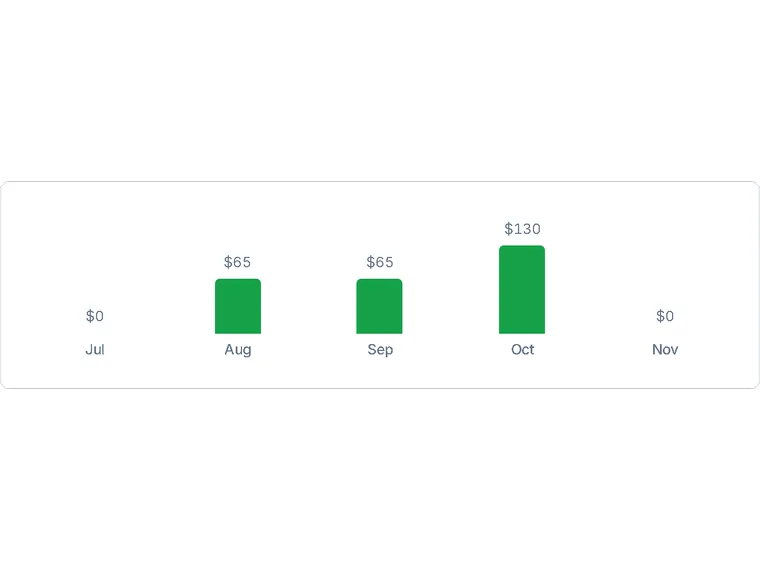
An earnings ledger.
Mentors see every session they have logged in one ledger.
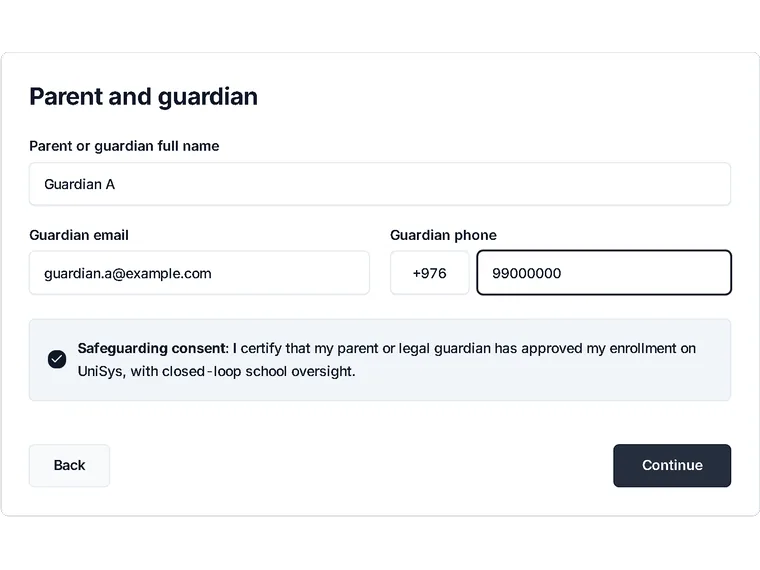
A guided start.
Students set up step by step, with a guardian’s consent along the way.
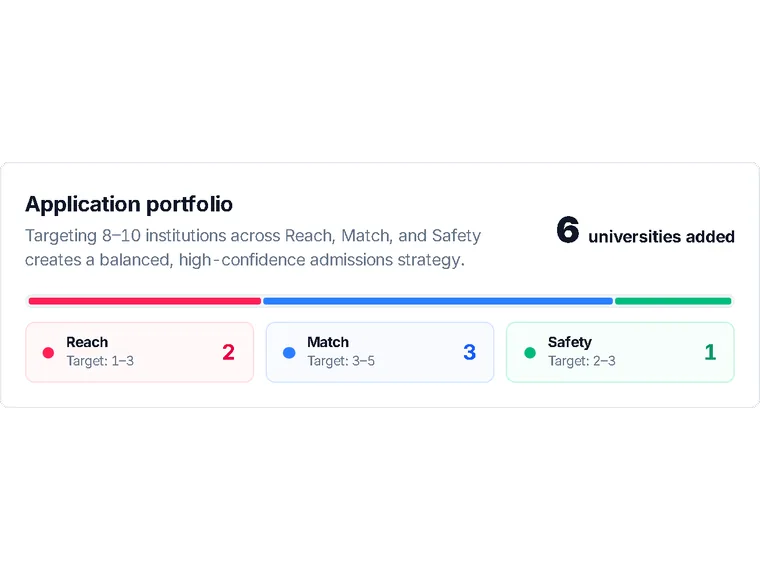
A list your counselor approves.
Students browse a university hub sorted Reach, Match or Safety. The list a student works from is approved by the school counselor.
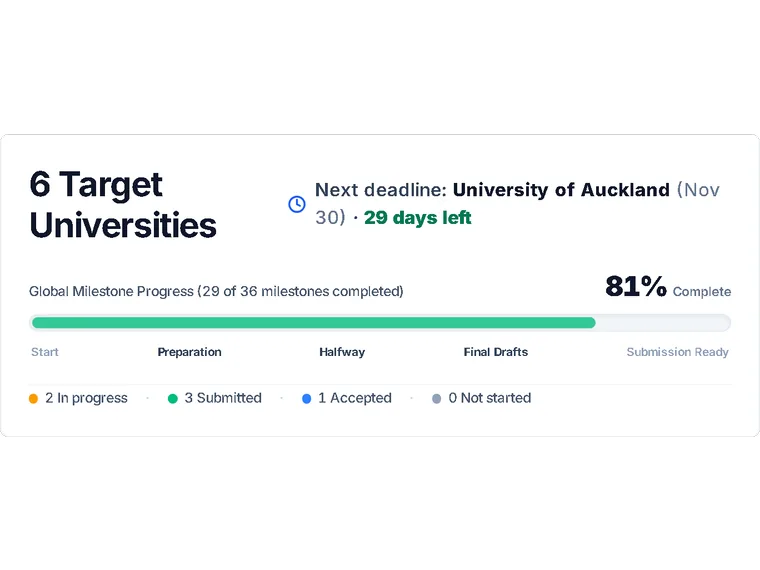
A tracker per application.
Each application follows a four-phase workflow, with action items on the dashboard.
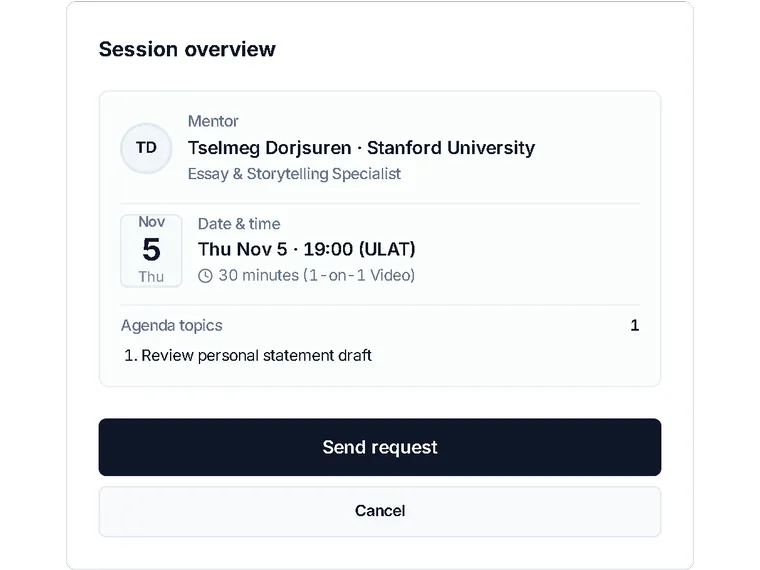
Book when ready.
Once the prerequisites are approved, students request a session and you approve it.


Nothing ships unsigned.
First the student drafts it.
Draft

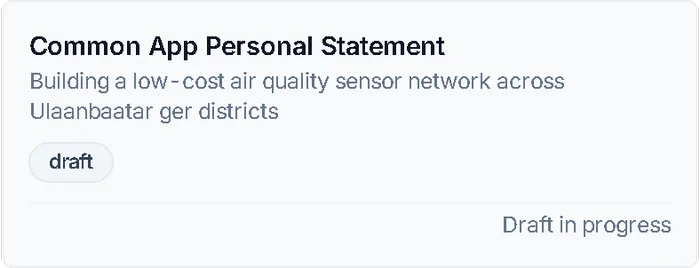
Personal statement · DraftSample data Then feedback comes in.
Feedback

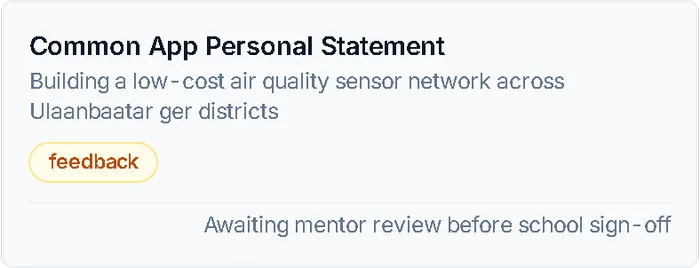
Personal statement · FeedbackSample data - Mentor A: tighten the opening.
- Mentor A: add one example.
Then the mentor signs it.
Mentor signs

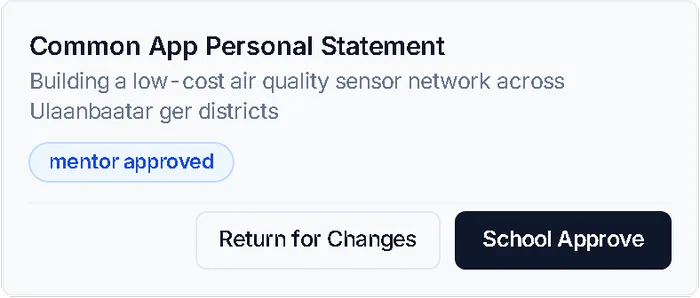
Personal statement · Mentor signsSample data Then the school signs it.
School signs
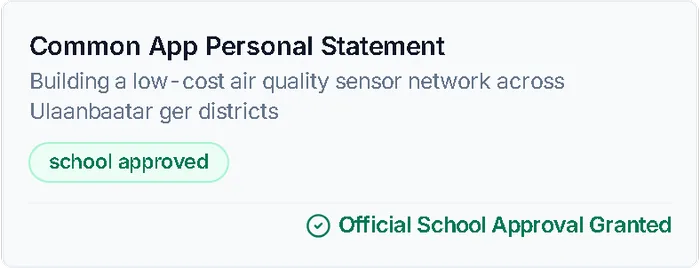
Personal statement · School signsSample data
Your turn. Approve one.
Session requests wait in the counseling office’s queue. Nothing is booked until someone there approves it.
Waiting for you
Sample data- Student AExtracurricular list reviewNeeds review
- Student BPersonal statement reviewNeeds review
- Student CUniversity list checkNeeds review
The queue is clear. Every booked session went through you.
Approval history
Nothing decided yet.
The same request in the real app.
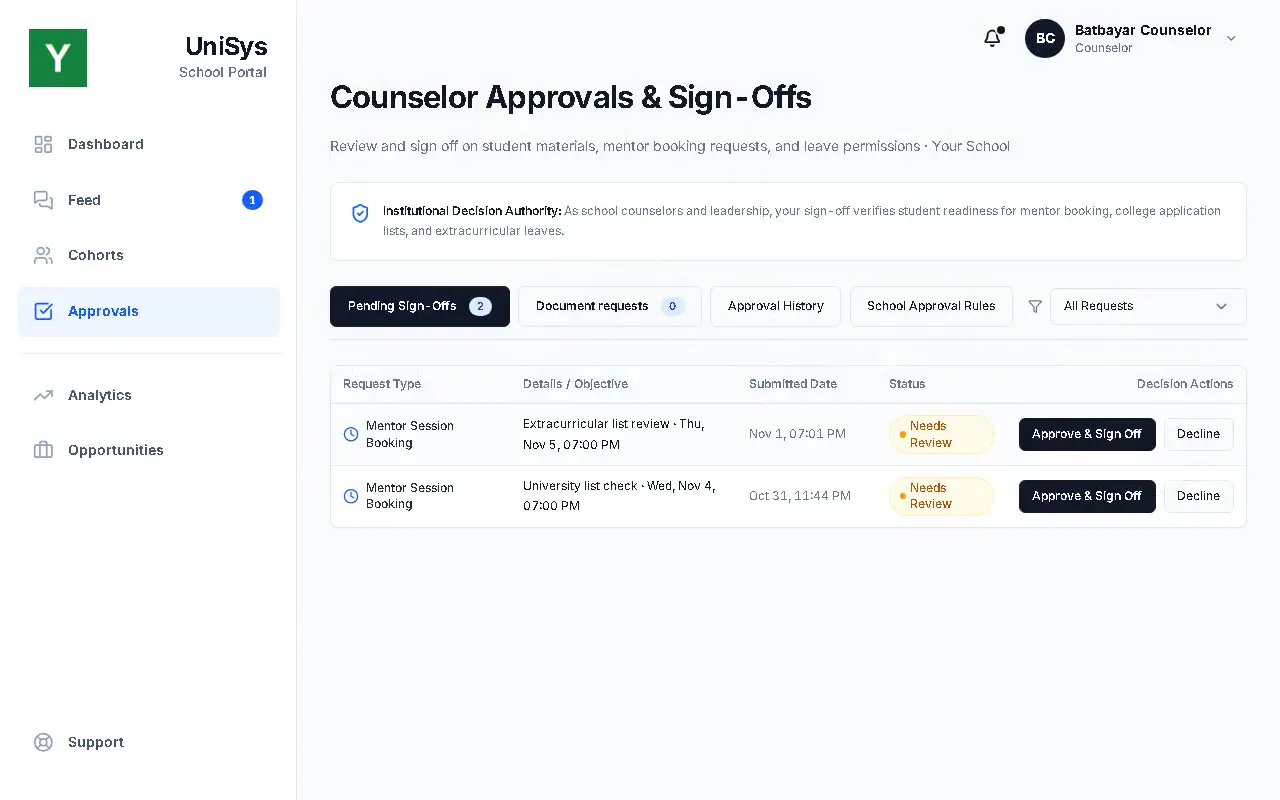
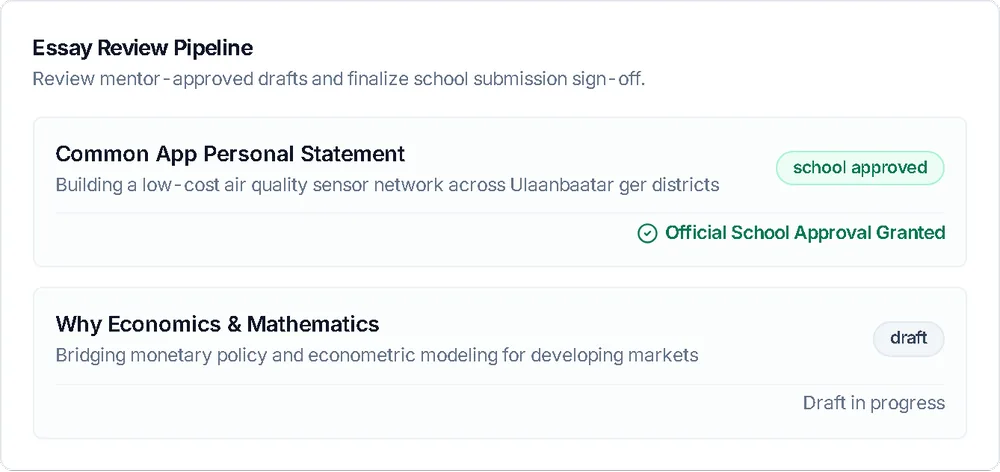
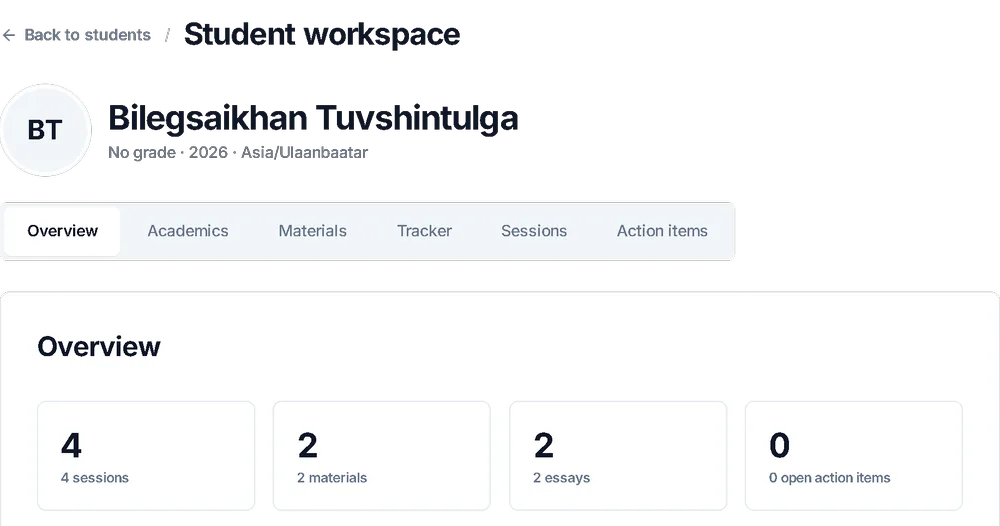
Everyone sees the same record.
The counseling office, the mentor and the student work on one live record, not on spreadsheets, email threads and chat groups.
Kept apart. Kept private.
Records kept apart
Each school’s records are separated at database level. One school never sees another’s.
Invitation only
There is no public sign-up. Every invitation works once and expires after seven days.
Consent recorded
A guardian’s consent is recorded when the student is onboarded.
Private by default
Sensitive circumstances are hidden from mentor views, student financial details stay private, and no student photos are stored.
One closed loop
Mentors and schools work through the platform, so the school keeps sight of every session.
Vetted mentors
Mentors are Mongolian scholars studying abroad. They are vetted and placed in tiers.
First questions
Can another school see our students?
No. Your school’s records are kept separate, at database level.
What does the counseling office see?
Your school’s students, their sessions and the requests waiting for your approval. We go through exactly what the office sees in the demo.
Do we need our own counselor?
Not necessarily. A school can run UniSys with its own counselor, or have UniSys manage the counseling for it. We cover both in the demo.
Who are the mentors?
Mongolian scholars studying abroad. They are vetted and placed in tiers, and they log every session on the record.
Is it available in Mongolian?
Yes. The app works in English and Mongolian.
I am a student or a mentor. How do I join?
Accounts are by invitation, and each invitation works once. Ask your school.
What does it cost?
We discuss pricing with your school in the demo. There is no price list on this page.
We run several schools. Can we use it?
Each school keeps its own separate records. Tell us about your group in the form, and we will go through how it would be set up in the demo.
See it with your own school.
A short walkthrough of a sample portal, with neutral sample data.
Now piloting with a Mongolian international school.
Book a demo
Tell us about your school. We reply to arrange a walkthrough.